How To Sign Off Production Proofs For Enamel Pins
Your factory has two enamel pin proofs for the same order. A reply saying the design looks good leaves the release unclear.
Use an artwork approval process with one named approver. Confirm the exact proof, permitted work and withdrawn revisions.
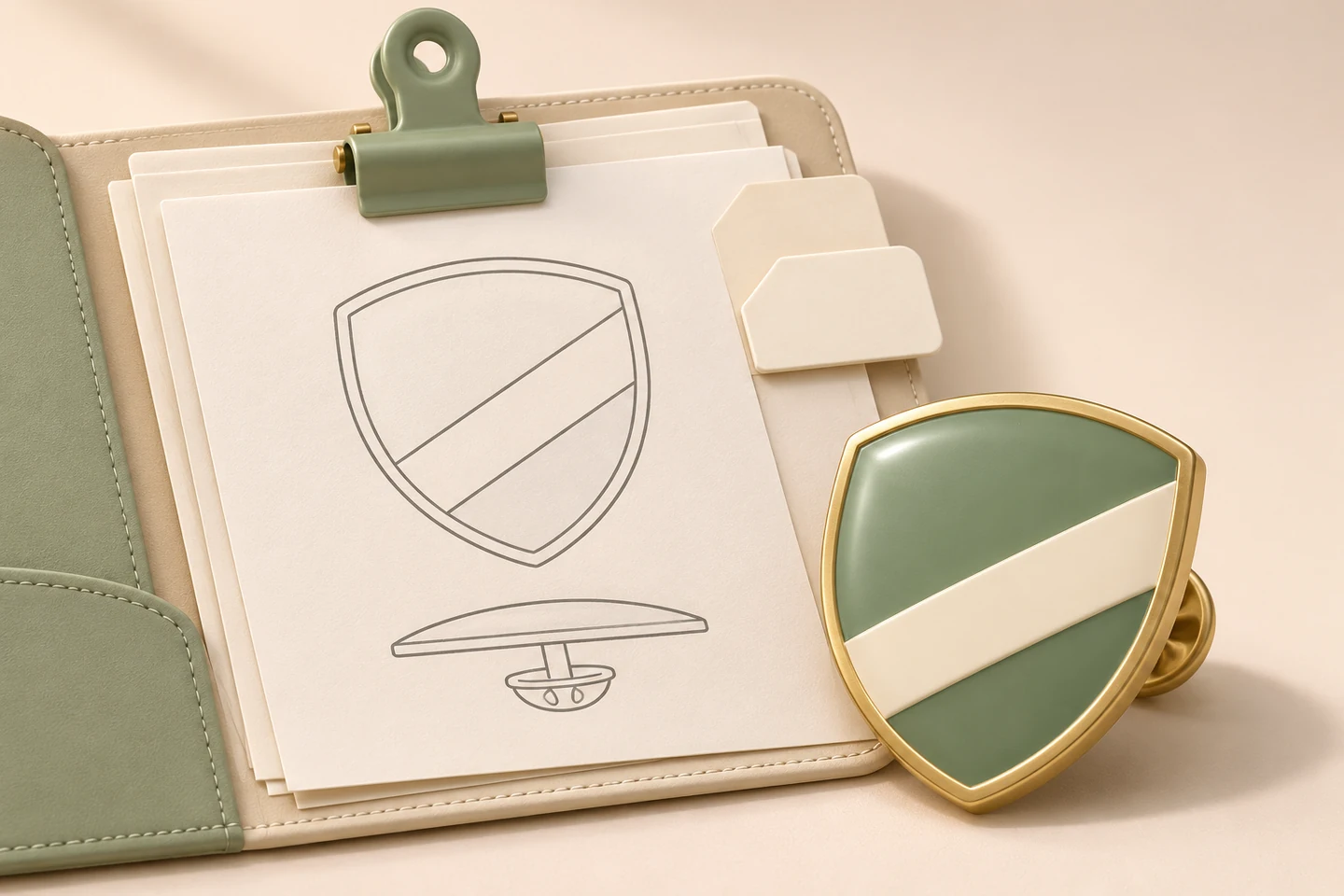
Separate Proof Approval From Production Release
Give each decision a stated purpose. A buyer may approve wording for an updated proof, approve the proof for a physical sample, or release production.
Use one named authority to issue the decision. Invite brand, purchasing and quality reviewers to record their comments before that person sends a consolidated response.
Ask the supplier to show what happens after each status. Some factories start tooling for a sample, while a later step authorizes the production quantity.
Write the allowed action in plain language. For example, authorize one physical sample from the named proof and leave the rest of the order on hold.
If your designer approves the logo placement, record that approval under artwork review. Send the supplier a separate sample or production instruction when you are ready.
The pin artwork guide covers color boundaries, files and the front and reverse. Use it to prepare the material you will put under version control.
Assemble One Versioned Proof Package
Ask for one controlled proof per variant or one numbered package that identifies every variant. Give each file an identifier and a revision.
Link your artwork identifier to the factory proof number. A signed artwork file and the factory drawing based on it may carry different version labels.
Show front and reverse, size, finish and fitting. If the backing card or label carries wording that can change, include its separate approved file reference.
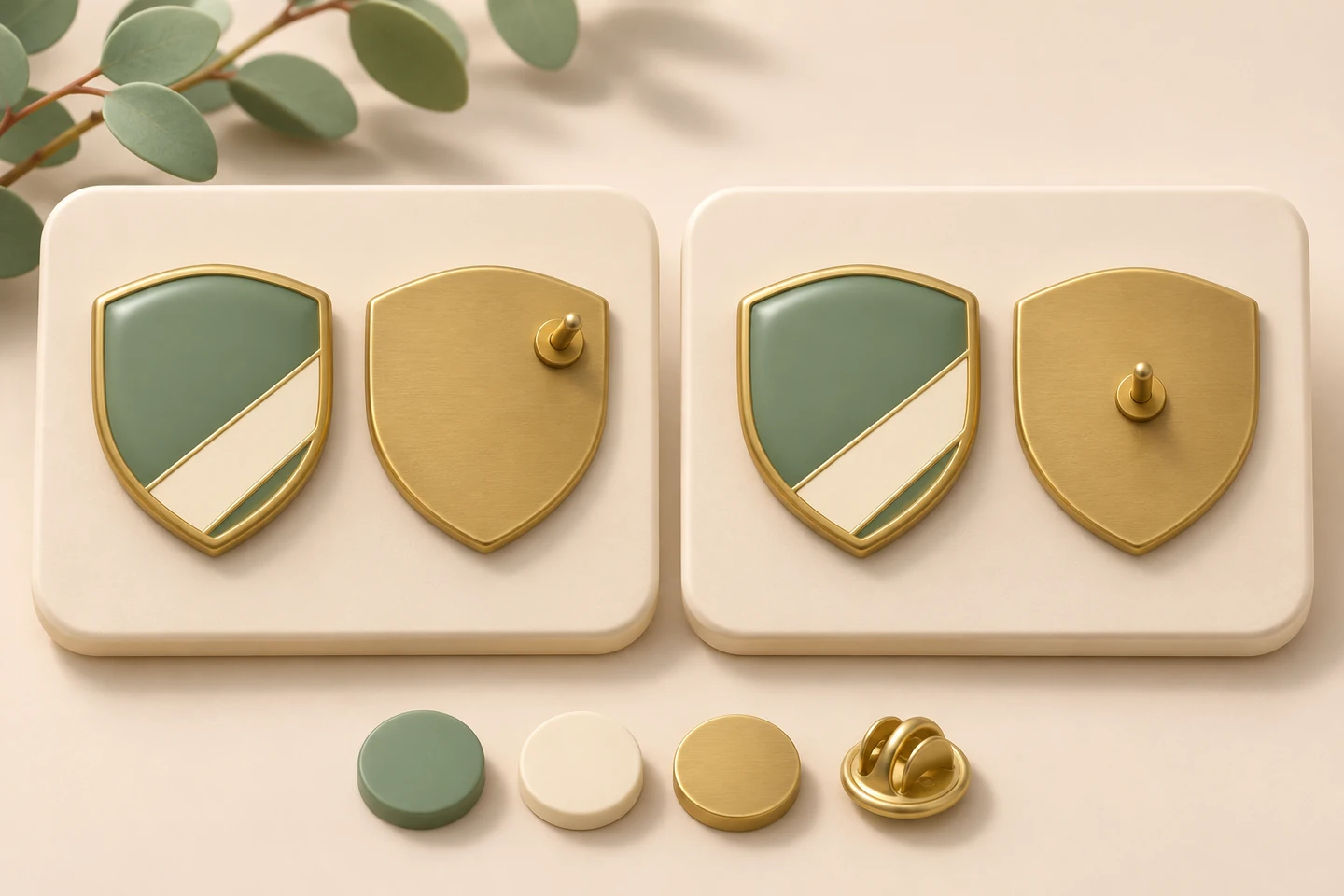
Have the factory list the revised locations beside the proof. Ask the reviewer to check all views and the related order line before deciding.
If the production files split the tool, enamel and packing artwork, ask the factory for a list. Match every relevant file to the same order revision.
The published 3M packaging specification uses a prepress proof to check a supplier’s interpretation of the buyer’s requirements. Apply that verification step to your pin proof.
Keep one view the factory can open without fonts or layers going missing. Confirm how the factory will receive any editable supporting files.
Review The Actual Change And Its Scope
Compare the revised proof with the last reviewed version. Identify what moved, which variant it affects and what the factory says remains the same.
For example, the rear post moves on the green shield pin to improve its position on a uniform. The front logo and fitted card stay unchanged.
Check the reverse makes the new position visible and uses a clear orientation. If the fit matters, specify a physical sample with the intended post and backing.
Use the supplier comment to answer any apparent mismatch. If one proof shows two rear views with different post positions, ask for one corrected view.
Hold the green variant if its correction needs another proof. A blue variant can proceed only if it has its own confirmed file and release.
If a proof combines multiple variants, keep a visible status for each. Confirm which specific views may leave the review stage and which remain open.
Keep old markups as a review record. Send future corrections on the latest identified file so the supplier can apply each note to the intended revision.
Write A Release The Factory Can Check
Record the order line, variant, proof number, revision and decision date together. Name the person authorizing the next step and put that action in the same record.
Use the following sign-off example for a green corporate event pin. Choose identifiers and approval authority that match your order process.
| Record | Example Entry |
|---|---|
| Order Line | Line 10, green shield pin. |
| Input | Buyer artwork A09, front logo and outline. |
| Proof | Factory proof P17, revision C, both views. |
| Scope | Make one sample with the centered post and listed card. |
| Hold | Bulk tooling or production beyond the authorized sample step. |
| Approval | Named buyer, recorded date, factory reply required. |
If your supplier must make a production tool to form the sample, state that permission explicitly. Record any associated commercial approval through your usual process.
Ask the factory to repeat the order line, proof revision and authorized work in its confirmation. Compare that reply to your record before you close approval.
For example, the factory confirms PO 431, line 10, uses P17 revision C for one sample only. Its work order records the centered post and current card.
The factory also confirms that revision B was removed from its tooling and packing files. Compare those acknowledgements to the scope approved by your buyer.
A pin manufacturer’s proof guide distinguishes digital review from checking a physical production sample. Decide which of those approvals you need at this step.
When several files arrive together, identify one file and revision in your reply. Confirm which file the supplier should open for the approved work.
Withdraw Superseded Files From The Job
List every proof revision you replace. Tell the factory to remove those versions from its working order and any files already issued for sample preparation.

Ask who received the earlier file at the factory. If another team handles tooling, filling or printed cards, ask the factory to confirm that team’s replacement.
Keep the old approval history in an archive marked superseded. If shared links remain active, restrict them or update their status where your workflow allows.
For the example, withdraw P17 revision B and any printout used to mark the rear post. Release revision C only for the agreed sample work.
Ask for a confirmation that identifies both the version now active and the one removed. Keep the written reply with the purchase order and approved proof.
If the factory has already started work on the withdrawn file, pause the affected work. Ask which actions took place before you issue a new instruction.
After bulk work has begun, use your order change process to decide which material is affected. Keep that decision separate from withdrawing a proof.
Compare The Sample And Release The Run
Identify the physical sample by a separate sample number and the proof revision used to make it. Ask the factory to label both references.
Compare the actual rear fitting and front logo with the released proof. Open the assembled pack if the backing card or use position matters.
Record the result for the green version even if the blue version already passed. Any permitted substitution should appear in the specific order approval.
If a sample differs, identify where and send a dated action. Agree whether the factory should revise the proof, remake the sample or explain the difference.
When the sample passes, sign the production decision with the sample identifier, proof revision and authorized quantity. Have the factory confirm the final work order references.
In the example, the buyer approves physical sample S08 on 20 November. The release identifies PO 431, line 10 and proof P17 revision C.
It authorizes production and card mounting for 800 green pins built to S08. The factory repeats the quantity, sample and proof references on its written production acknowledgement.
Reopen the affected approval if the post, visible design or packing part changes. Decide whether the change requires a corrected proof, a replacement sample or both.
Use the individual packaging guide to record the finished pack. A separate packaging release lets you hold the card without confusing the pin revision.
Keep The Release Visible At Handoff
Keep one record that ties the approved drawing to the factory proof, the sample and the purchase order. Give the factory and internal team the same identifiers.
If a backup approver takes over, attach their authority to the order record. Have them review the open statuses and previous replies before releasing new work.
- Show the proof revision and the affected order line.
- Confirm which version has been removed from active use.
- Name the sample reference and its approval date.
- Record the exact quantity and next work allowed.
- Keep the factory’s matching written acknowledgement.
Ask a colleague outside the artwork conversation to identify the approved file from your record. If they find two active versions, close the ambiguity before production.
Share the released sample reference with the team that will receive the pins. Keep approvals searchable by order and design so repeat orders can start from evidence.
Frequently Asked Questions
Can A Buyer Sign For Several Departments?
Name one authorized approver before sending the proof. Record the completed brand and product checks beside that approval. If a department has not approved its scope, keep the affected work on hold.
Can One Person Approve Two Proofs In One Email?
Yes, when the message identifies each proof and variant on its own line. Show the permitted next step for both. Request a reply that repeats those identifiers.
What If The Factory Sends A Screenshot For Approval?
Use it to locate the requested correction. Ask for the complete file with a proof number, revision and all views before releasing work. Keep the screenshot with the feedback if it contains useful markups.
What If Our Distributor Forwards The Approval?
Ask the distributor to pass on the original decision and file identifier. Have the factory repeat those details in its acknowledgement. The buyer should retain that reply with the order.
Can We Reuse An Approved Proof For Another Event?
Confirm this order covers the same logo, lettering, finish, fitting and pack. Release the proof against the new order and confirm its sample reference. Any proposed change needs its own decision.
Final Thoughts
Bring your current pin proof, variant list and approval record. See our corporate event lapel pins or send the proof package to discuss your factory handoff.