
How To Pilot A Retail Display For Metal Merchandise
The card proof looks right until the loaded peg makes the logo disappear. That mistake spreads quickly when several stores receive the same layout.
Run a display trial on the fixtures you will use. Record what staff can set up, replenish and sell.
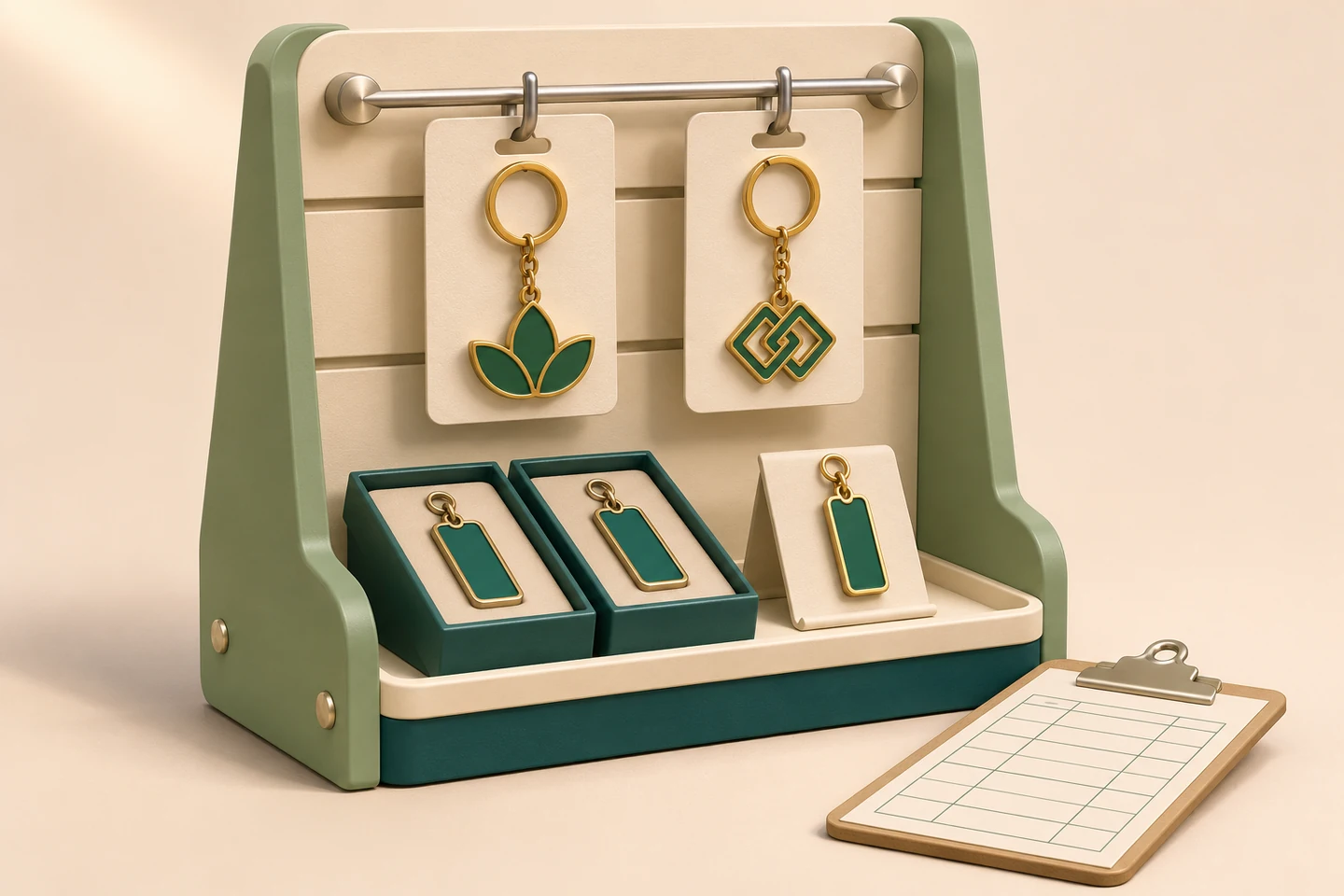
Choose Stores That Represent The Rollout
Start with the decision the trial needs to support. You may want to approve one common layout, approve separate layouts, or reject a fixture before placing an order.
List the sites in the intended rollout and group them by actual fixture. A compact counter unit and a deep wall bay may need separate trials even within one chain.
Ask each participating store to photograph the intended space before you send stock. Request a front view, a side view and a size reference that sits beside the display area.
Record the neighboring merchandise and any dividers or shelf lips that use part of the space. Fixture drawings can miss these obstructions when they show an empty bay.
Select the tightest or most awkward example of each fixture family for the first setup. Add a typical store to see whether the instructions work without extra support.
Name the person who can approve a change to placement. Give the store team a way to log a workaround before anyone treats that workaround as the standard.
- Store and fixture identifiers
- Product and card revision for the trial
- Neighboring stock or likely obstruction
- Owner who can approve a changed placement
Test Each Fixture With Its Intended Load
Check The Peg And Shelf Separately
Prepare the approved product and packaging together before setup. A mock card loaded with a lighter substitute cannot show how the real metal assembly turns or hangs.
On a peg, record the hook style, usable length and spacing to the next facing. Hang the intended number of units and check whether the rear item remains accessible.
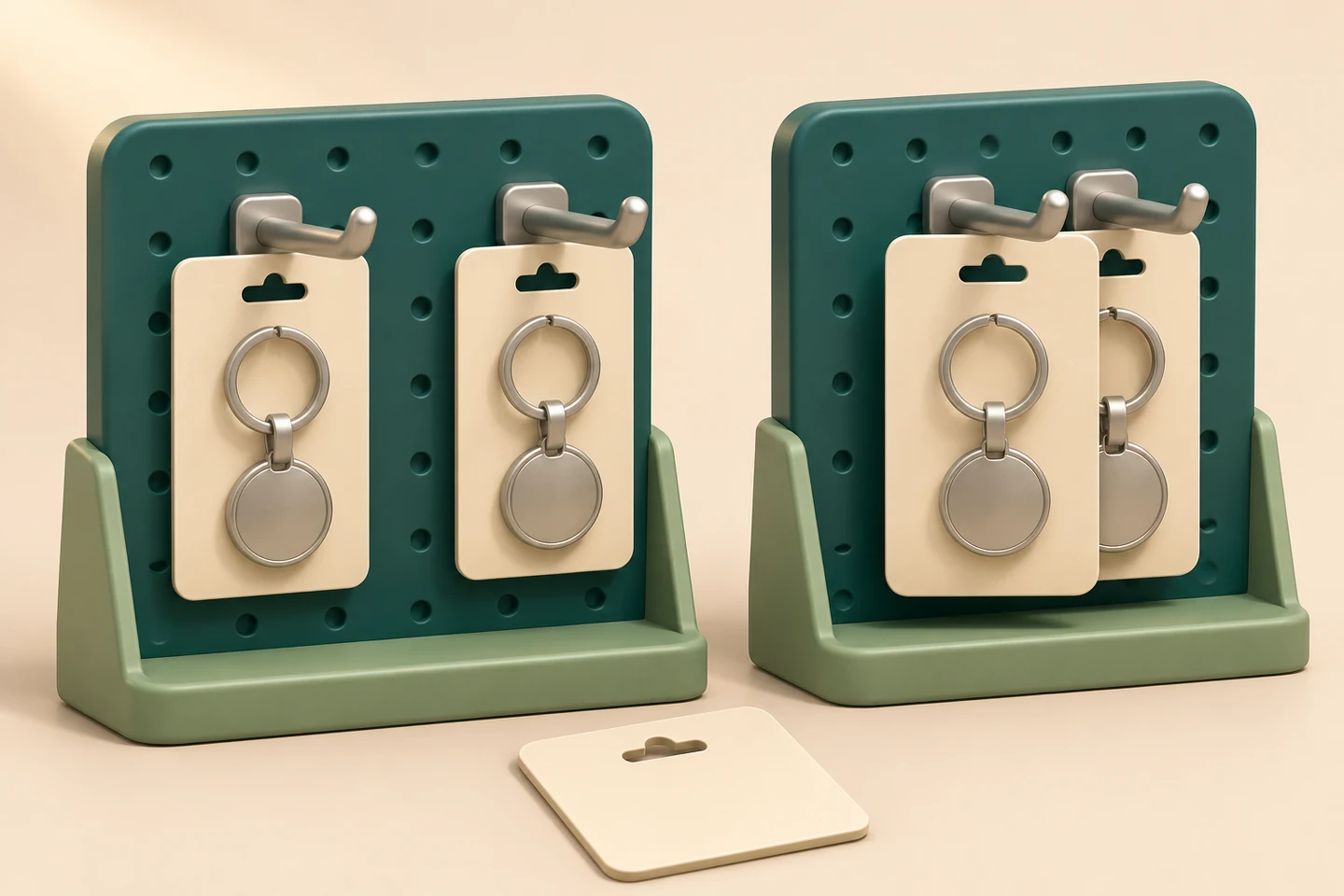
On a shelf, measure usable depth after the price rail and rear stop. Check whether a box remains level and stays readable while staff remove the front unit.
Photograph the fixture after setup from the buyer’s normal viewing position. Record where a logo or required product information disappears when the expected stock is in place.
A logo keychain can rotate differently from a carded pin. Handle each actual product before deciding that one row works for both assemblies.
Follow the fixture owner’s placement and load instructions. If the trial setup needs a different hook or stronger support, get that change reviewed before recording a usable setup.
Record A Layout Staff Can Repeat
Give the store a drawing or annotated photograph with every facing shown. Include the actual fixture family and the product code for each position.
Ask one staff member to set the display from the instructions alone. Listen for places where they guess which side faces forward or where each version belongs.
Photograph the approved setup after that test. Attach a close view where the peg opening, shelf lip or front orientation affects how a product sits.
| Record | What To Save |
|---|---|
| Fixture | Family, usable space, neighboring items and permitted hook or shelf layout. |
| Facing | Product code, front orientation and the stocked quantity tested. |
| Access | Which units can be removed or replenished without disturbing another facing. |
| Decision | Store grouping, accepted change and person who approved the current layout. |
Make the revised drawing easy to distinguish from the first version. Put the revision on the distribution message and record which trial stores tested it.
Carry the same product codes into the receiving and setup files. A location on the planogram needs to match the label that staff actually see on the unit.
If you change the pack as part of the trial, recheck the filled fixture. Use the packing guide for unit protection, barcode position and carton checks.
Watch What Happens During Use And Refill
Observe a removal at the intended viewing and reach position. Ask the trial team to handle the neighboring products as they would during a normal shift.
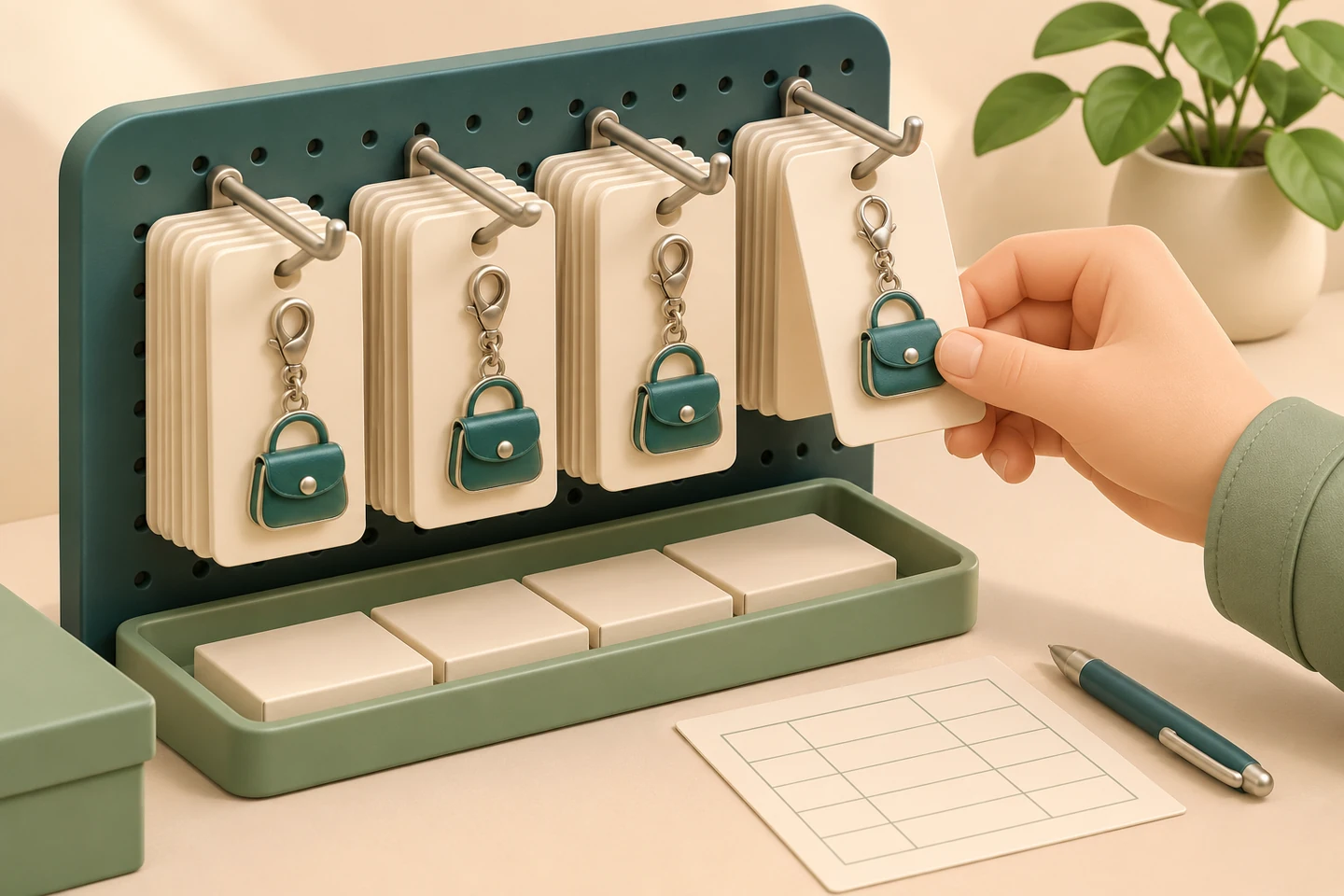
Log when a shopper or staff member must lift several packages to reach one. Record the product code, fixture position and stock level when it happens.
Have staff restock while some of the old units remain. Check whether they can align the card fronts again and distinguish similar variants without unloading the fixture.
If your stores have different access patterns, ask staff to repeat the task during a typical shift. Compare their notes before approving one refill procedure.
Check what the front display looks like during a normal gap in stock. A visible wrong product behind an empty facing may make replenishment errors hard to spot.
Observe a normal stock count or code lookup at the fixture. Write down whether staff have to take down a card to confirm the variant.
Log each problem before asking staff to improve the setup. Use a photo showing the condition and a separate photo after the adjustment.
Identify Which Change Solves The Problem
Group observations by fixture family, product, facing and stock level. Several stores may share one layout problem, while a single blocked peg may come from a local obstruction.
Change one variable at a time where practical. Moving the peg and reducing stock together makes it hard to tell which adjustment prevented the blockage.
For example, a narrow display may need more distance between two carded pieces. Try the same stock again using the permitted alternate position before asking for a new card.
If the card still catches during removal, send a side photo and the exact obstruction to the pack designer. Give them the fixture dimensions used in the trial.
A metal bag charm can move on its hanging hardware while its card stays in place. Check both movements before changing the peg position.
Record a problem even when it did not stop all sales. Repeated handling or refill problems may matter more to the rollout than a display that only looks crowded.
Record One Decision For Each Fixture Family
Suppose a counter stand and a wall bay carry the same set of metal accessories. Staff can restock the counter stand without moving any other card.
On the wall bay, a shelf lip hides the bottom of the package. The hidden area carries the code that distinguishes two nearly identical products.
Have the local team try the retailer’s approved alternative position for those products. Photograph the revised layout with one facing full and its neighbor partly empty.
If the revision fixes both view and access, attach its photo to the wall bay record. Give the counter stand its own approved drawing and stock arrangement.
If the wall bay still fails, record who must resolve the problem before those locations receive a larger allocation. Include the fixture model and exact viewing issue.
Keep the decision short enough to use during allocation. Every store needs an approved fixture reference or an exception owner who can arrange a retest.
Save both trial versions so the next buyer can see why the first setup changed. Separate obsolete layout notes from the instructions that stores will actually use.
- Counter stand: approved configuration, front photo and staff setup record
- Wall bay: revised sketch, observed obstruction and second test photo
- Unconfirmed fixture: affected stores, decision owner and next test
Decide Which Stores Can Receive The Rollout
Set the acceptance checks with the retail team before opening the trial. Include setup from instructions, correct presentation, removal and refill, and identification at the fixture.
Compare each fixture family against its own trial evidence. Approve the layouts that met those checks and record which stores need changes or a new trial.
For each approved layout, record the final packing revision and facing quantities. Check that the purchase order and store allocation list use the same approved codes.
Send the approved planogram, front photo and exception instructions with the store brief. Assign the person who confirms the initial setup before replenishment stock is routed.
Ask for the same front and side views from each first installation. Compare them with the approved position and follow up where local fixtures differ.
Keep trial records beside the retailer’s fixture instructions. When a store or product changes, use those records to determine which checks must be repeated.
Frequently Asked Questions
Can We Use A Store Mockup To Start The Trial?
Use it to identify obvious space problems and shortlist layouts. Approve the result on the intended fixture using production-intent merchandise and packaging.
Can One Layout Cover Two Peg Styles?
Test both styles if their spacing, tip or usable length differs. Keep separate setup records when those differences affect access or presentation.
Do We Need To Stop The Entire Rollout After One Failure?
Confirm which fixtures share the problem before releasing those stores. Retain approved evidence for locations whose setup and products were unaffected.
How Can We Trial A Display Before All Colors Arrive?
Use representative units to test common hardware and fit. Review the final color-facing order and code legibility when the approved variants are available.
Can Sales Replace The Fixture Checks?
Record sales separately if you are also testing the offer. Fixture photos and observed handling still show why a display can or cannot be repeated.
What Should A Replacement Store Receive?
Send the applicable fixture version, merchandising instructions and current stock codes. Confirm the new location matches the approved layout before replicating it.
Final Thoughts
Choose the rollout layout after the store team can repeat it. Share the approved pack and fixture drawings through our custom metal product options.