
How To Set Supplier Lead Time Before Issuing A Purchase Order
A quoted lead time may end at dispatch. Your event team needs verified stock before it can hand out awards.
Put the stock deadline on your purchase order. Then confirm which stages the supplier lead time covers.

Choose The Date Your Team Needs Usable Stock
Start with the time your distribution team needs usable stock at its assigned location. Treat that handoff as the event’s stock deadline.
Ask venue staff when a delivery can be accepted and where it must go. A locked loading area can change the useful delivery window.
List the work between a carton arriving and your staff taking it. Allow time to count, identify awards and distribute stock to each station.
If you receive stock off site, include the transfer to the venue. Confirm who will drive it and when the venue accepts the handoff.
- Record the event date, venue receiving window and stock handoff time separately.
- Name who can accept the shipment and who releases awards to distribution.
- Identify which quantities and versions each station needs for its first release.
- Include a work period for checking and sorting before the stock handoff.
If a race uses several finish areas, work from the earliest stock deadline. Check whether later deliveries can go straight to their own locations.
Share the stock deadline when you seek quotes for finisher medals. Ask suppliers to work back from that deadline rather than race day.
Compare Supplier Milestones On One Schedule
APQC measures supplier lead time from sending a purchase order to receiving the goods. A production quote may cover only part of that period.
Ask each supplier to state the event that starts its production clock. It might start after artwork approval, sample approval or another agreed step.
Place each proposed milestone on the same calendar. Confirm which dates are estimates, which are agreed commitments, and which still depend on your team.
Write down what will start the quoted period and what will end it. Ask whether it ends with cartons packed, collected or delivered.

| Milestone | Evidence To Request |
|---|---|
| Artwork proof | Target date for the first proof and how changes affect the date. |
| Sample approval | Sample method, listed variants and who records acceptance. |
| Production release | Approval or other event that starts the production clock. |
| Pack and dispatch | Packing completion, supplier handoff and shipment reference. |
| Delivery and intake | Named destination, arrival window and receiving contact. |
Check whether the supplier’s schedule uses calendar days or working days. Ask which holidays and closures affect the proposed production or delivery dates.
Mark the time zone for approvals or dispatch if teams work in different regions. Give reviewers a deadline that allows the supplier to act.
If artwork and another activity can happen together, ask the supplier to confirm the overlap. Record what would force the activities back into sequence.
Work Back From The Stock Deadline
Use event day as day zero while comparing schedules. Then convert the agreed plan to calendar dates that each owner can verify.
Consider this illustrative schedule for one event. The offsets show how to compare dates and must be replaced with your confirmed project values.
| Example Date | What Must Be Finished |
|---|---|
| Day minus 2 | Verified stock at the distribution point. |
| Day minus 5 | Shipment at the venue, allowing three days for intake and staging. |
| Day minus 12 | Shipment handed to the carrier, allowing a seven-day delivery window. |
| Day minus 25 | Production released, allowing thirteen days through dispatch. |
| Day minus 32 | First proof ready, allowing seven days for approval work. |
If the proof arrives on day minus 30 in this example, approval work loses two days. Ask what moves before accepting the revised plan.
Allow two contingency days before dispatch. Ask the supplier to have the cartons packed and ready for collection by day minus 14. Keep the carrier handoff on day minus 12.
Ask which upstream dates need to move and whether the supplier can meet the earlier packing deadline. Keep artwork approval, sample approval and the agreed quality checks in the revised schedule.
Give Each Approval A Deadline And Owner
Tell the supplier which graphics are settled and which depend on a sponsor. Give each open item a date and a named approver.
Ask which changes can delay tooling, finishing or packaging. Keep the response next to the relevant drawing or version on the schedule.
Set a date for releasing quantities by version. If the count may change, ask how late changes would affect the parts already approved.
Give one person authority to resolve a missing approval. They can follow up with the reviewer or release an agreed backup version.
Keep A Record Of What Was Released
If your order goes out before sample approval, write that condition next to the production release date. Ask the supplier to confirm both milestones separately.
Send the released drawing and quantity schedule together. Ask the supplier to acknowledge the versions and the revised dates that depend on them.
If you need a second physical sample, record its effect before requesting it. Move the corresponding dates together so the handoff stays visible.
Use the medal artwork approval guide to define what each sample proves. On this schedule, record the person and date for that approval.
Agree When To Use Your Backup Plan
Choose a milestone that tells you a delivery needs attention while there is still time to act. Give one person responsibility for checking it.
For example, a missing dispatch record may trigger a call before a carrier cutoff. Confirm what proves dispatch on the agreed route.
List which awards the first distribution station needs. Ask whether a partial shipment can contain those exact versions with their own packing record.
If you consider a split shipment, ask when each part can be collected and delivered. Check who will receive and verify each portion.
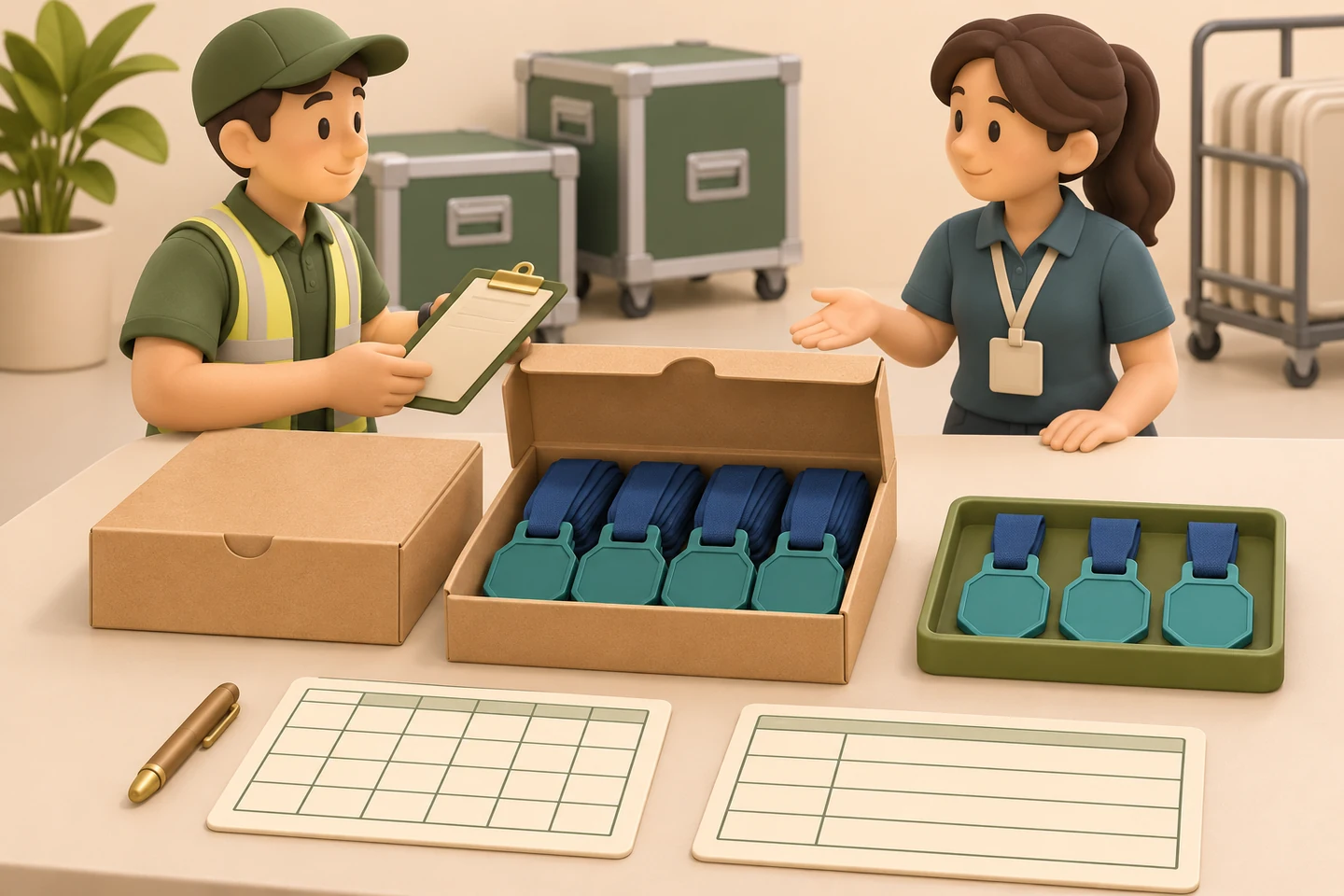
Agree which alternatives your organizers could authorize if the full shipment slips. A temporary handoff arrangement may need separate communication and staff coverage.
Publish an internal version of the backup plan with one action per trigger. Keep it with the current purchase order and venue contact list.
Check Which Delivery Option Fits The Event
Compare the earliest point when you can verify stock under each delivery option. Two routes with identical transit estimates can require different handoffs.
Direct delivery makes sense when the venue can take the load and give your team working space. Check the available delivery hours and storage access.
A separate receiving site can give staff more time for checks. Include the additional vehicle, transport window and time to move verified awards.
| Option | What The Buyer Must Confirm |
|---|---|
| Direct to venue | The venue can receive the shipment early enough for your count and placement. |
| Off-site staging | Storage location, transfer owner and a scheduled vehicle for the move. |
| Priority shipment | Which completed versions can leave first and who will count each separate shipment. |
| Buyer pickup | Collection address, release notice and named person authorized to collect and transfer stock. |
Ask for the size and number of cartons expected at each address. Check whether the receiving crew needs a lift, trolley or second person.
If the carrier arrives outside the receiving window, identify who can reschedule or redirect it. Record which alternate address can hold the full dispatch.
Give the carrier and supplier a shared destination reference. Where the venue has several loading points, include the gate and onsite contact.
Before paying for a faster route, check the dates it still depends on. A faster service can shorten transit. Confirm the order will be ready before the carrier’s cutoff for that service.
Keep the quoted delivery method and cutoff alongside your approval schedule. If the route changes, confirm the revised cost and receiving time before accepting it.
Decide who tells the event lead when the selected route changes. Give that lead the next checkpoint and the stations that depend on it.
Verify The Schedule Before You Place The Order
Microsoft’s purchase order scheduling guidance separates requested shipment and receipt dates. It uses transport time and the vendor’s shipping calendar when working back from receipt.
Add those two dates to the purchase order and keep the supplier’s written confirmation. Also record your own deadline for usable stock.
If the supplier confirms a different ship date, verify whether the requested arrival still works. Resolve the difference before forwarding the schedule to the venue.
Walk through the schedule with your buyer, supplier and receiving contact. Check that each date has an owner and a recognizable completion record.
Ask who will update the schedule after each milestone. Route changes to one shared file so staff see the same current stock date.
Confirm the delivery address, venue access and receiving hours on the written order. Share backup contact details separately if the venue changes staffing.
- Give each line a date, owner and evidence of completion.
- Confirm which sample approval opens production and who records it.
- Separate expected dispatch, expected arrival and verified stock handoff.
- Record the contingency reserve in time or stock and identify its owner.
- Escalate a missed checkpoint before the last workable alternative closes.
Record what should trigger a decision to hold the order. Examples include a missing approval date or a confirmed receipt after your last venue window.
Check the delivery progress at the checkpoints you agreed. If a date moves, ask what happens to the first distribution handoff and later arrivals.
Keep tracking open until your team confirms usable stock. A delivery scan may precede carton checks or transfers to the award stations.
After the event, record which approval or transfer took longer than planned. Use the record to decide where your next order needs more time.
Frequently Asked Questions
Can Two Event Sites Receive The Same Order Directly?
Ask for a separate delivery line and carton record for each address. Name the receiving contact and stock deadline at each site.
Should We Book A Venue Slot Before A Carrier Is Named?
Ask the venue how it handles provisional slots. Confirm what information the carrier must provide to retain the reservation.
What If A Sponsor Approves Artwork After The Release Date?
Ask which work has started and which versions it affects. Obtain the new dates and fees before you authorize the change.
Can We Use Photos To Replace A Physical Sample?
Agree what photos can prove on your project. Keep a physical review if clearance, handling or finish matters to your decision.
How Should Volunteers Learn That Stock Has Arrived?
Give the receiving lead the station contacts before delivery. Have that lead report when each station’s stock has been checked and released.
Can A Small Reorder Use The Original Timeline?
Ask which steps can be reused and when the supplier can schedule the work. Verify shipping and receiving again for the new order.
Final Thoughts
Bring your stock deadline, approval owners and requested shipment date to your supplier. Review custom medal options or share your purchase order schedule when you discuss the project.