
How To Source Bag Charms For A Retail Assortment
Assortment planning in retail starts with deciding what earns a place in the range. Your first bag charm order needs a count for each SKU.
Plan around your sales channels and supplier pack sizes. Set the reorder trigger before stock arrives.
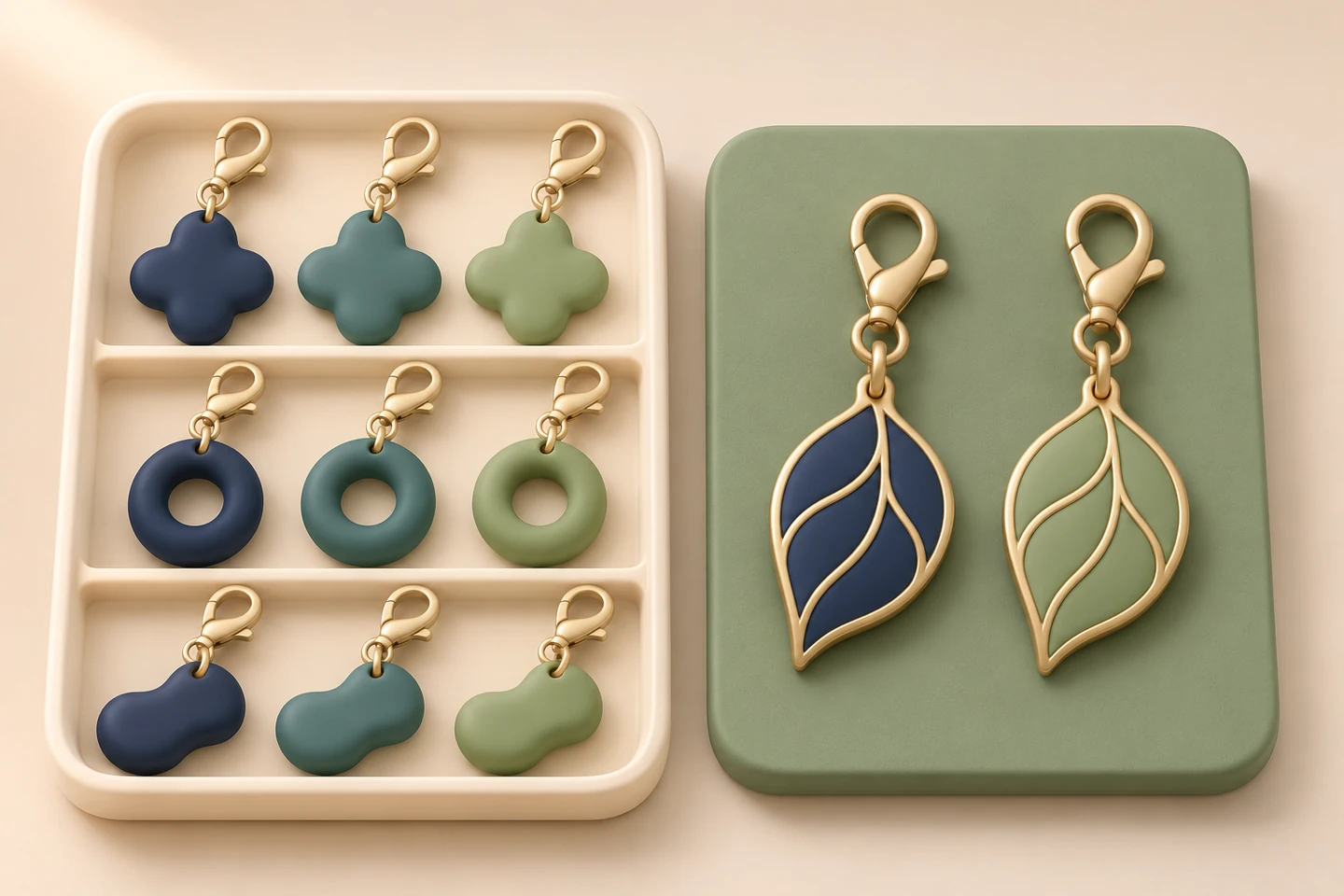
Give Each SKU A Role In The Range
Start with the selling space, order budget and channels your team can replenish. Write down which customers and bag styles the display needs to serve.
In merchandise assortment planning, breadth describes the range of choices. Depth describes how many units you buy for each choice.
Oracle’s retail planning reference relates breadth and depth to product attributes, channels and locations. Your assortment sheet can track those decisions by SKU.
Give each style a job before setting its quantity. A core design can anchor the range while an alternate color gives returning buyers another choice.
Check which visible choices customers can distinguish on the listing or shelf. Keep separate SKUs for finishes or fittings you intend to sell separately.
Use comparable sales when you have them. If nearby stores sell at different rates, take each store’s own demand into account before splitting the order.
Keep first orders shallow where previous sales do not support deeper buying. Set a date to review the trial style and compare it with the core line.
Ask which variants you can repeat at the quantities you expect to sell. A stock line and a commissioned design can have different replenishment conditions.
Keep your first range within the space and staff time you have. Record which style you would pause if another needs that space.
Ask stores how much space they can keep for stock behind each display. Confirm how online orders will draw from the shared assortment.
Allocate The First Order Across Channels
Consider a fictional retailer with two stores, an online shop and a shared reserve. It has room to order 240 finished charms across four SKUs.
A1 and A2 are navy and sage versions of one design. B1 and B2 are two finishes of a second design.
The supplier packs twelve finished charms of one SKU together. Each quantity in the table is an opening allocation of sellable units.
| Channel | A1 | A2 | B1 | B2 | Total |
|---|---|---|---|---|---|
| City | 36 | 24 | 12 | 12 | 84 |
| Coast | 24 | 12 | 24 | 12 | 72 |
| Web | 12 | 12 | 12 | 12 | 48 |
| Reserve | 12 | 12 | 12 | 0 | 36 |
| Total | 84 | 60 | 60 | 36 | 240 |
The first order uses twenty packs. City opens with seven packs, Coast with six, and Web with four.
The remaining three packs form the shared reserve. Give one team control of those transfers and record which channel receives each unit.
The deeper City allocation for A1 is a buying assumption. Mark which allocations are based on sales history and which you will revisit after launch.
Set the web shop’s opening stock from the Web row. Increase that available quantity only after you record a reserve transfer or another receipt.
City and Coast start with the same four choices and different quantities. Keeping the opening record lets you compare sales without guessing where units started.
Define What The Supplier Will Deliver
Write each sellable unit as the customer receives it. List the charm body, connector, clasp and retail packaging where each item is part of the order.
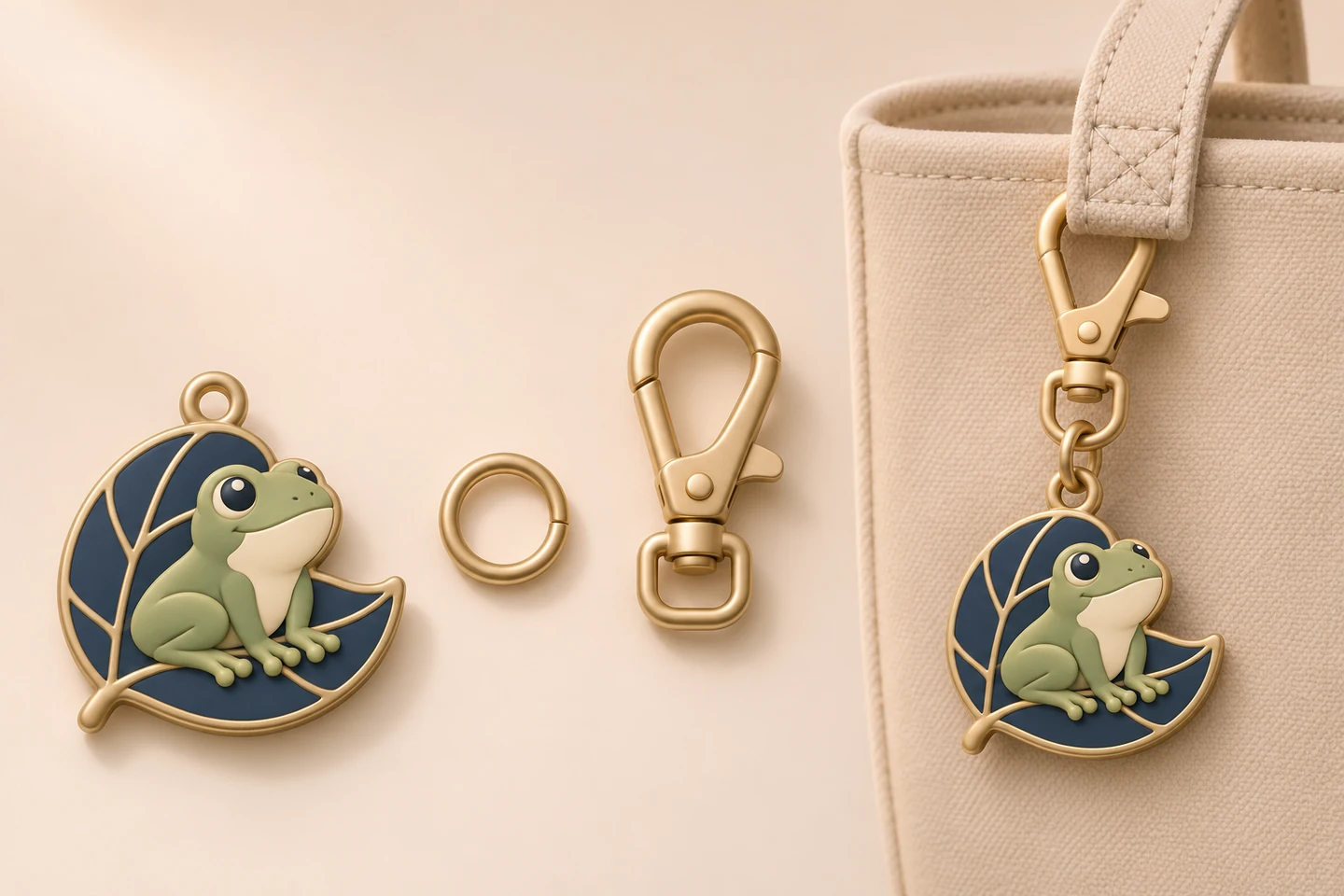
If your assembly partner adds the fitting, ask for the component quantities and delivery sequence. Name who checks and packs the resulting retail units.
For a logo charm supplied as a component, specify the separate fitting and packing inputs. Count the combination as stock after assembly and acceptance.
Keep a decorative zipper pull on a separate line when the bag range needs one. Review it against the actual slider before approving that line.
Give both stock and commissioned suppliers the same variant sheet. Ask which SKUs come finished, which packs they can split and what they will replenish.
If a supplier ships a mixed pack, get the unit count for each SKU in writing. Confirm whether the mix can change on the next order.
Use a different retail code when two fittings create different sale units. Brief receiving staff on how to tell the versions apart quickly.
Ask the supplier to identify each pack by your SKU and revision. If their item code differs, put both codes on the purchase order.
Compare The Cost Of The Same Sellable Unit
Check each quote against the count of finished charms you can put into stock. Record any assembly or packing that happens at your expense.
Convert the supplier’s pack count to units by SKU before comparing price or order size. Ask whether minimum quantities apply per variant or across the order.
For a separate quote example, assume both suppliers can provide thirty-six B2 units. One quotes $90 packed and the other quotes $72 before assembly.
Suppose assembly and packaging add $0.60 to each unfinished unit. That makes $93.60, so compare $2.60 with $2.50 per unit before freight.
In the example, B2 needs thirty-six pieces. A supplier minimum of forty-eight for B2 adds one pack and takes the order to 252 units.
To keep 240 units with that supplier, the buyer could reduce A1 at City from thirty-six to twenty-four. Keep that change visible in the allocation sheet.
If the extra B2 pack goes to Coast, Coast grows to eighty-four and City falls to seventy-two. Web and reserve stay at forty-eight and thirty-six.
Ask each store to confirm the revised opening quantity before you accept the quote. Use its response to decide whether a different supplier is needed.
Record the set of allocations you actually approved and remove the earlier version from the order packet. Share the revised sheet with purchasing and receiving.
Approve Samples From The Actual Assortment
Match the sample list to the SKUs on your order. Ask for representative assembled pieces wherever a different fitting, body or finish changes the unit.
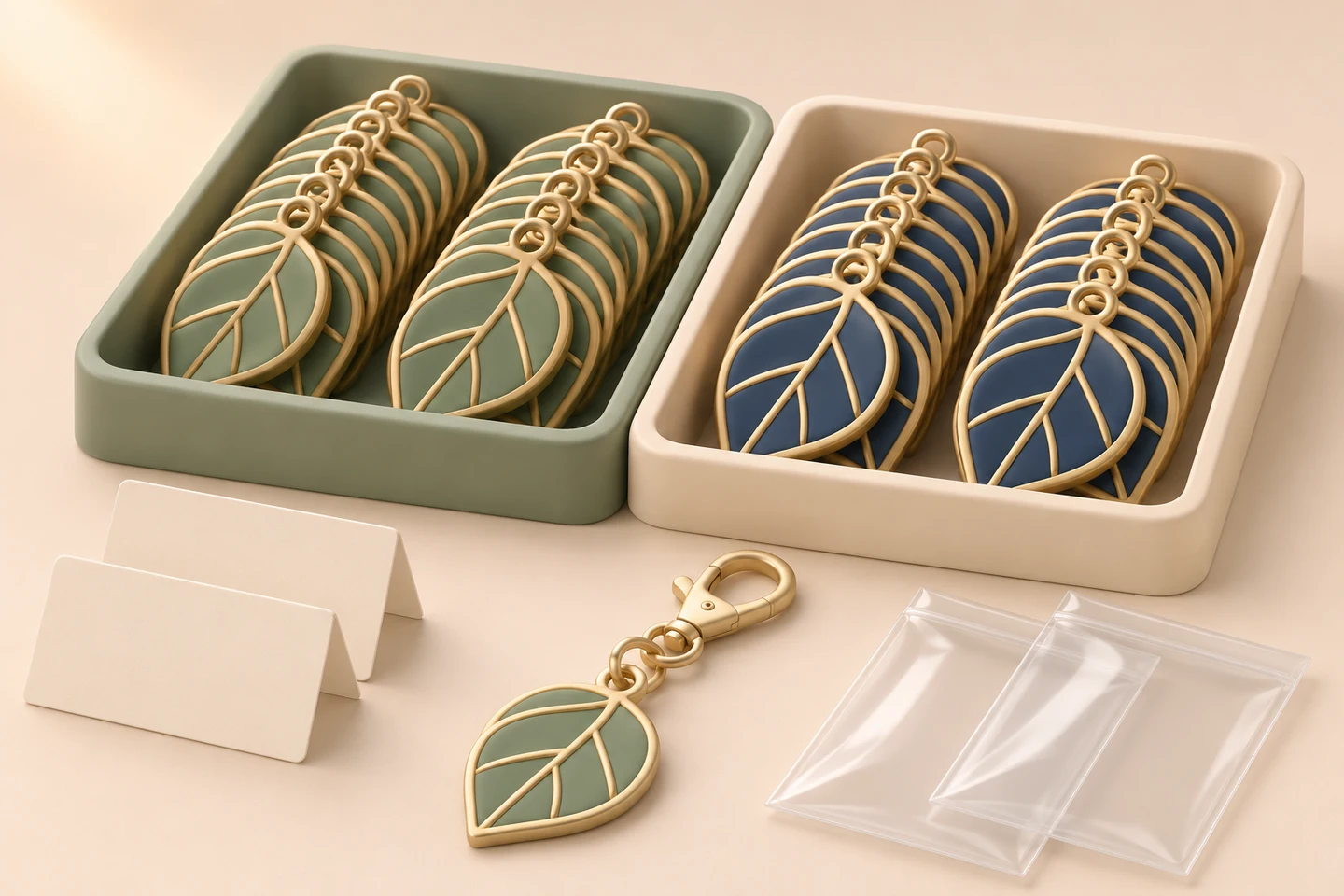
Put the agreed sample beside its packaging, supplier code and retail SKU. Photograph the distinction that a store or receiving employee will use.
Check the assembled charm on the intended bag loop before approving the fitting. Record the loop and approved assembly so a substitute can be checked.
For stock styles, confirm that the reorder code points to the same clasp and finish. Ask how the supplier will identify a changed version.
Write the rule for a proposed substitution beside each SKU. Approve appearance, mounting and retail identity before letting a substitute fill an existing line.
If the substitute changes the orderable variant, update the store sheet and web listing. Ask which previously accepted units may remain on sale under the original listing.
On receipt, count finished units against the allocation sheet before sending stock to each channel. Keep damaged or unidentified units outside the available balance.
Give the team one person to contact about a mismatch. Ask that person to record which SKU, quantity and supplier lot remain on hold.
Set A Reorder Trigger For Each SKU
Review sales by SKU and channel on a fixed schedule. Keep net sales, available stock and units still due from the supplier visible together.
For an example trigger, use expected sales during replenishment lead time plus a stock buffer. Check lead time against when replacement stock becomes usable.
Suppose A1 averages twelve units each week and replenishment takes two weeks. The retailer adds a twelve-unit buffer, so its trigger is thirty-six units.
At review, City has twelve A1 charms and Coast has six. Web has six and the reserve holds twelve, giving thirty-six sellable units.
A1 has no confirmed incoming stock or open customer commitments in this example. The buyer places a reorder when the balance reaches the agreed trigger.
After twenty-four expected sales during the wait, twelve should remain. To reach seventy-two units at receipt, the buyer orders sixty, or five packs.
Keep that order visible at the next review to prevent a second buy. Count confirmed incoming stock and deduct unfilled commitments once when evaluating replenishment.
Review the supplier’s next available pack if the trigger calls for a smaller order. Decide where the extra units will go before rounding the order up.
Check individual channels before relying on the combined trigger. A store can sell out while the reserve still shows stock that cannot reach it in time.
If a style sells unevenly, check whether an approved transfer covers the shortfall. Compare the transfer time and cost with the next available supplier pack.
Frequently Asked Questions
How Should We Treat A Reserve Shared By Two Stores?
Count it once in the total. Give each transfer a quantity and destination so stock becomes available only where your team can fulfill the sale.
What If Two Charms Use The Same Body And Different Clasps?
Create separate order lines if the buyer selects the clasp at purchase. Count each line by its complete sellable assembly.
Can We Retain A SKU After The Supplier Changes Its Finish Code?
Ask which physical finish the new code identifies. Keep the same SKU only if the approved retail description and sample still match.
When Should An Unavailable Style Leave The Range?
Review the remaining stock, next possible delivery and role of the style. Set a date to approve a replacement or close the assortment line.
What If Sales Rise During A Short Promotion?
Record promotion sales separately from steady demand before adjusting your trigger. Add a separate quantity for the next confirmed promotion if needed.
Final Thoughts
Send your variant sheet and opening allocations when you review custom metal bag charm options. Confirm the complete unit, pack size and reorder terms before you commit to the range.