
How Event Organizers Specify Medal Engraving
Event organizers need to decide who can release names and results to the engraver. Some names are final before the event.
Compare advance work with engraving at the venue. Assign proof, correction and pickup responsibilities, then rehearse the handoffs.

Choose When Each Award Can Be Engraved
Separate medals whose names are known in advance from awards decided during the event. For each group, mark the earliest reliable point for approval.
Advance engraving may fit an award with a settled roster. It gives your team time to review proofs and sort finished pieces before handover.
On-site engraving may suit awards confirmed by results or a late participant choice. Ask which events, locations and operating hours the engraver can support.
A mixed approach can also work. For example, engrave sponsor or staff awards in advance and keep timed finishers on a separate pickup route.
| Route | Review Before Choosing |
|---|---|
| Advance | Roster cutoff, proof approval, arrival date and handling of late changes. |
| On-site | Verified results, available operators, waiting capacity and the pickup process. |
| Mixed | Which medals use each route and who reconciles blanks and finished pieces. |
Ask the engraver what information and blank medals they need before quoting either route. The same wording may require different handoffs and sorting work.
Separate Planned Text From Event Results
List fixed content that can be released early, such as an approved event title. Put names, rankings and timing results into clearly identified variable fields.
Ask the award team which figures or categories may change after the results are announced. Confirm which results status allows an operator to engrave.
Do not print a value in an example if it could be mistaken for a result. Mark mock proof data clearly and remove it before release.
Hand Over The Approved Medal To The Engraver
Use the medal design guide for the reverse drawing and proof checks. Give the engraver that approved sample and the award types it covers.

Ask the engraver who will accept the blanks and confirm they match that sample. Mark delivery and event stock separately if two teams will receive them.
Give the engraver a contact who can answer questions during setup. Agree when to pause if a delivered medal differs from the reference.
Pass A Controlled Roster To The Engraver
Choose a person to own the current roster. Tell the engraver which file, sheet and version may be used for production.
Use an award identifier to join the approved record to its queue entry. Give pickup staff a separate view if they need fewer details.
Decide who marks an award ready for engraving and when. An operator should see which entries are released and which still await verification.
Send only the fields the engraving and pickup teams need. Agree who can access the working file, how it is shared and when copies are removed.
Ask reviewers to use the award identifier when requesting edits. A name may appear more than once across divisions or award categories.
Before release, get confirmation that the engraver received the approved version. Close or mark older files so staff do not accidentally process them.
Use A Record That Survives Late Edits
Log the time, affected award identifier and name of the person authorizing a change. Ask the operator to acknowledge which record was updated.
Separate pending corrections from approved changes. If the team cannot confirm a request, hold that medal while the responsible reviewer checks it.
If several people send updates, direct them to one queue. Give the engraver a single source for the next approved version instead of separate messages.
Arrange The Event-Day Work And Pickup
Ask who accepts the verified results, who enters the text, and who checks the output. Give each step an owner before the event opens.
Ask the engraver for an estimate based on the approved medal and wording. Use it to plan peak arrivals and communicate a realistic pickup process.
Agree where blank medals and finished orders are stored. Give each tray or queue a reference staff can match to the roster without reading every name.
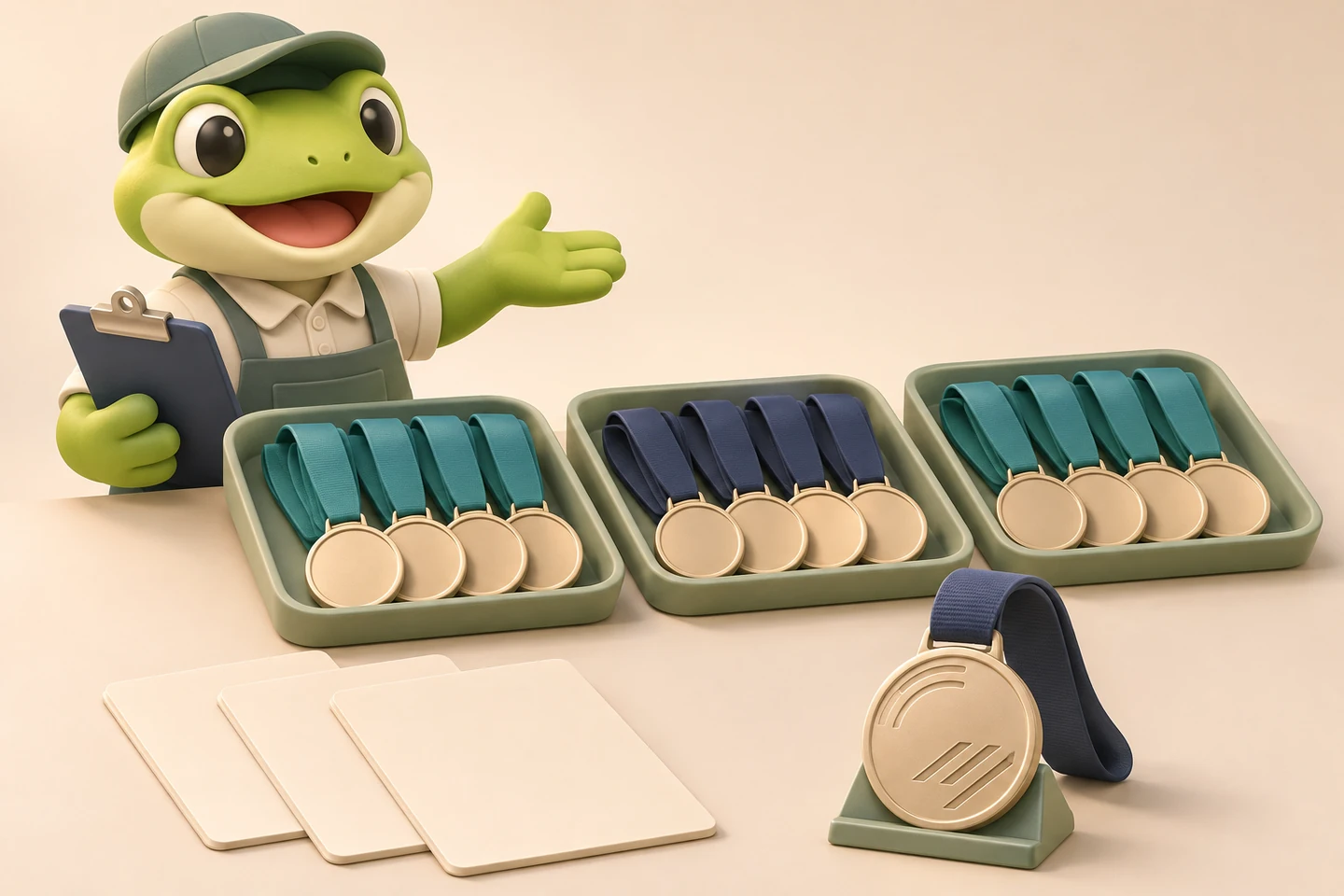
Set a simple way to verify the person collecting the award. Ask staff what to record for duplicate requests, authorized collections and late pickups.
Review the plan against your marathon medal handover and finish-line layout. Make sure the finish flow and pickup line can operate separately.
Test how staff will answer a pickup question if the person who engraved the medal is busy. Make the award reference visible to the pickup team.
Rehearse The Busiest Part Of The Schedule
Run a short practice with blank samples and invented results. Include one misspelling, a late result and a person collecting multiple awards.
Ask the operator and pickup team to describe where their records differ. Confirm the handoff point and which person can close a pending request.
If the line builds during rehearsal, adjust the pickup plan or release times. Check staffing at both the engraving station and the verification desk.
Test The Pickup Queue With A Worked Example
For example, an award might enter the queue as A-014 after results staff release it. The operator reads the entry and records completion against that code.
A pickup lead checks the finished award against the entry before marking it ready. A runner then transfers it to the matching tray or collection area.
If the named person arrives early, give them the current status without changing the order. Record any authorized alternate collection against the same award code.
Ask who checks that a tray can be emptied safely at shift change. Count the ready and held awards together before the next staff member accepts them.
Plan Corrections Before Release
Classify the exceptions you expect, such as an incorrect spelling, delayed result or wrong medal type. Assign someone who can decide how to resolve each one.
Keep the affected piece out of the ready queue until the correction is confirmed. Mark the old award entry so it cannot be picked up twice.
Use an exception slip with the award code, time and assigned reviewer. Ask the pickup lead to update the matching entry as soon as it arrives.
If the correction comes after collection, agree who contacts the recipient and confirms the return. Keep the replacement pending until the event lead releases it.
Ask whether the proposed change needs a fresh blank. Some marks may be permanent, and any rework needs approval on the actual sample or piece.
Keep replacements and spare blanks separate from finished medals. Add a note to the order showing which blanks remain available after normal assignments.
Decide what to do if no final result is available by closing time. Agree whether to hold, reschedule or hand over an unengraved award by exception.
- Log the award reference and the reason for the hold.
- Identify who checks the corrected wording and which proof applies.
- Record whether a spare blank was used and where the original went.
- Tell the pickup team when the finished medal is ready again.
If a change could affect several awards, pause that part of the roster while the event lead checks it. Confirm the list of affected identifiers first.
For advance orders, ask how a correction reaches your distribution team after packing. Identify the exact carton or handover group before sending the replacement.
Reconcile What Was Engraved And Collected
Count blank medals issued, usable blanks returned and finished pieces handed over. Keep damaged and held pieces in separate categories so the counts reconcile.
Ask staff to mark each finished piece as ready, collected or pending. Use the same award identifier on the roster and the pickup log.
For an advance job, compare the finished count with the approved roster before medals are divided for delivery. Check late changes against the correct cartons.
For an event-day job, record which awards still need action before the engraver leaves. Give the follow-up team the related proof and pickup reference.
Ask the engraver for a short record of changes and replacement work. Review those exceptions when planning spare blanks and staffing for the next event.
End with one reconciled list for the event lead. Follow your agreed handling plan for any working copy of names or results after closeout.
Ask the event lead to review entries still awaiting collection. Agree whether those medals will be held, transferred or shipped before publishing any pickup instructions.
Frequently Asked Questions
Can We Use Different Engravers For Advance And On-Site Work?
Yes, if both approve the same medal specification and agreed appearance. Compare one sample from each route before committing to the split.
Who Approves A Team Name Instead Of An Individual Name?
Name the award owner who can make that decision. Proof the team wording on the actual medal before adding it to the released roster.
Should A Pickup Code Appear On The Medal?
Decide whether it serves a lasting purpose on the award. A code used only at collection can stay on the temporary record or packaging.
How Can A Remote Reviewer Check A Proof?
Provide a clear straight-on photo and the approved text beside it. Escalate any uncertain character or contrast to a physical sample review.
Can We Accept A Handwritten Correction At The Event?
Have the designated person verify and enter the change using the award identifier. Ask the operator to read it back before engraving.
How Should We Handle A Cancelled Award?
Mark it inactive in the released record and remove it from pickup. Decide whether the associated medal remains blank or needs a replacement entry.
Final Thoughts
Start with one approved medal and a roster your engraver can use. Review custom medal options or share your award brief to confirm what belongs in the order.